アプリケーションの説明
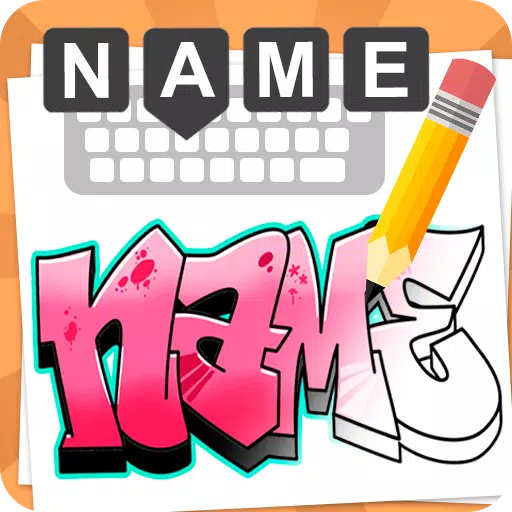
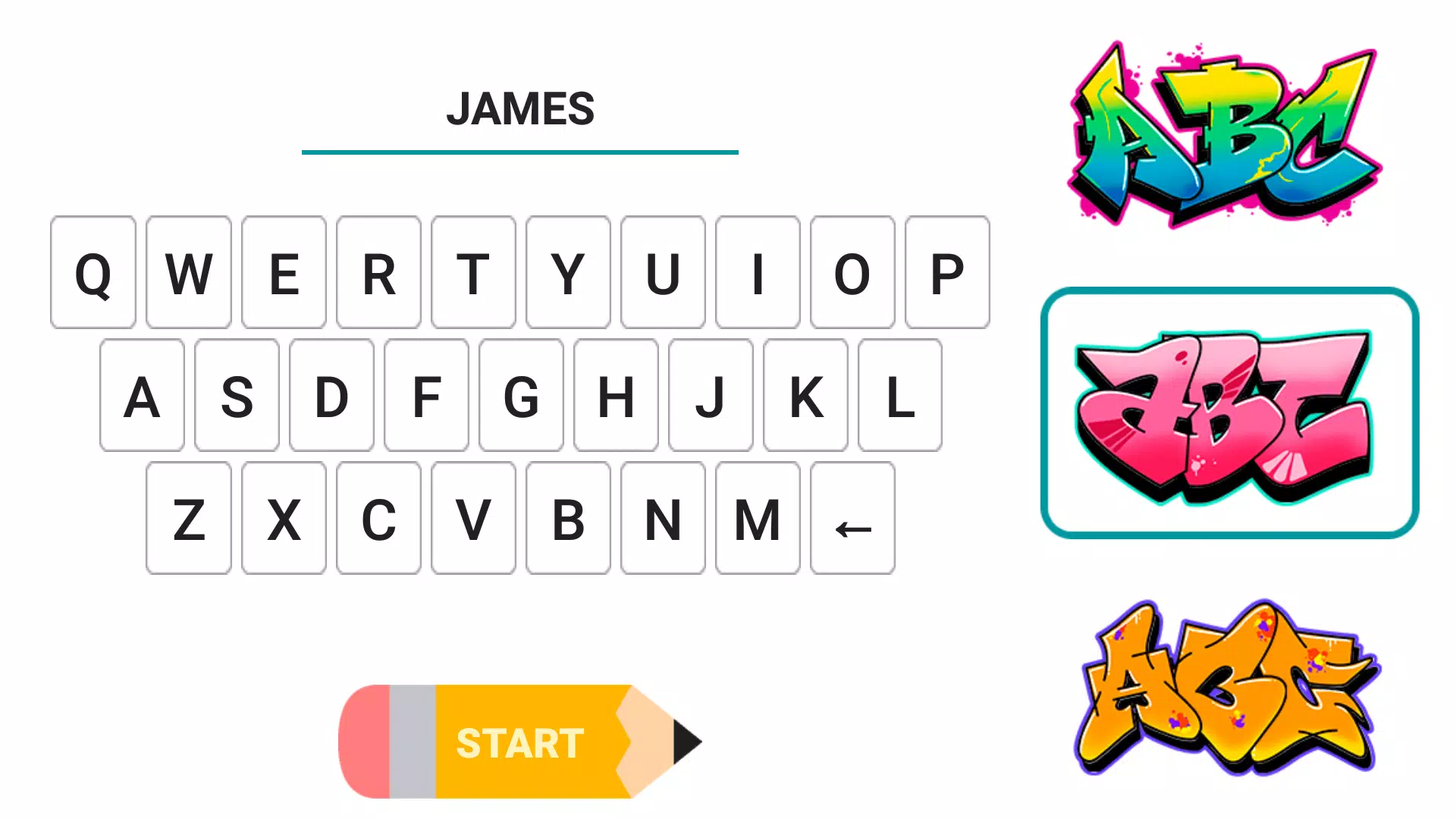
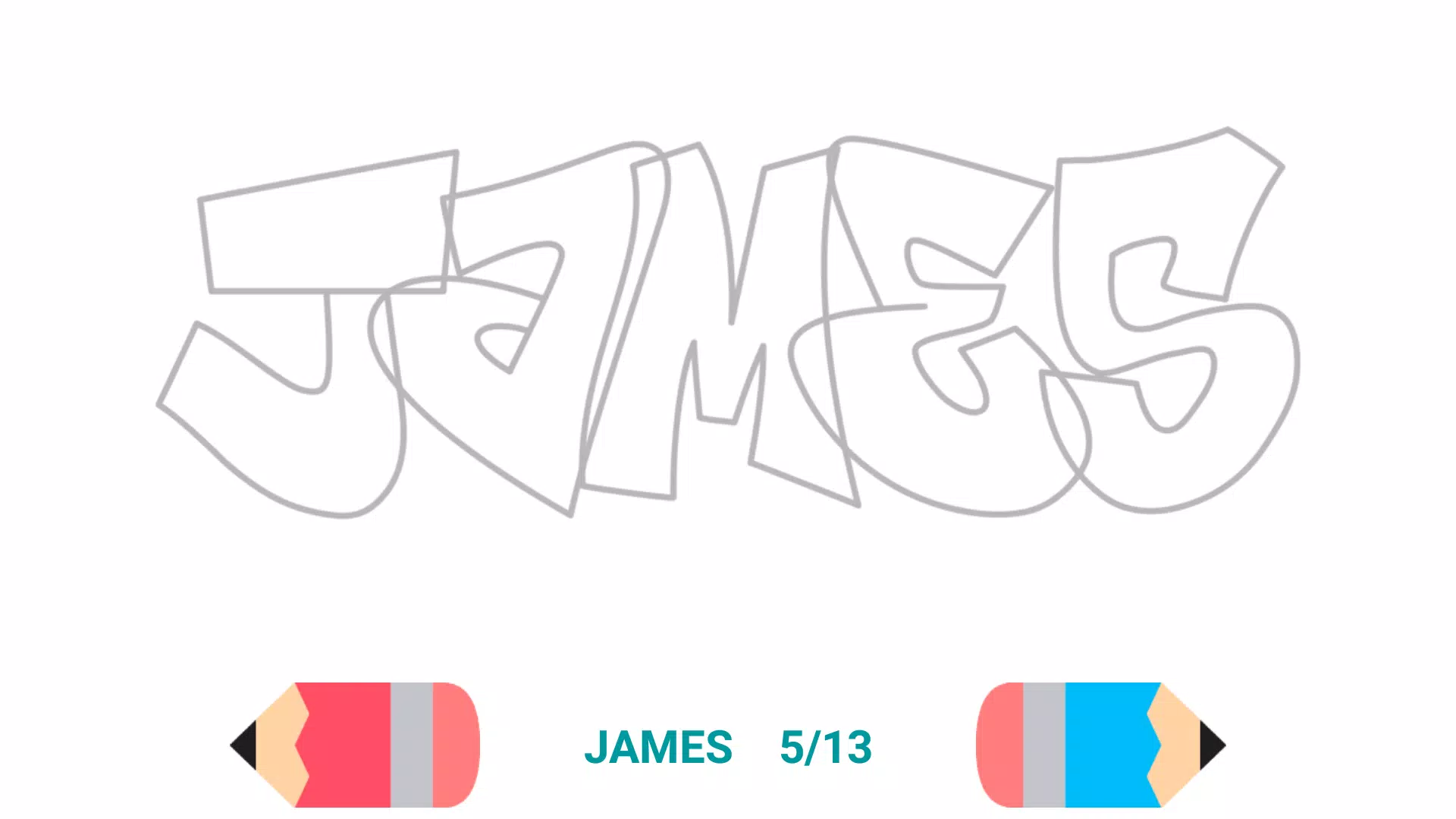
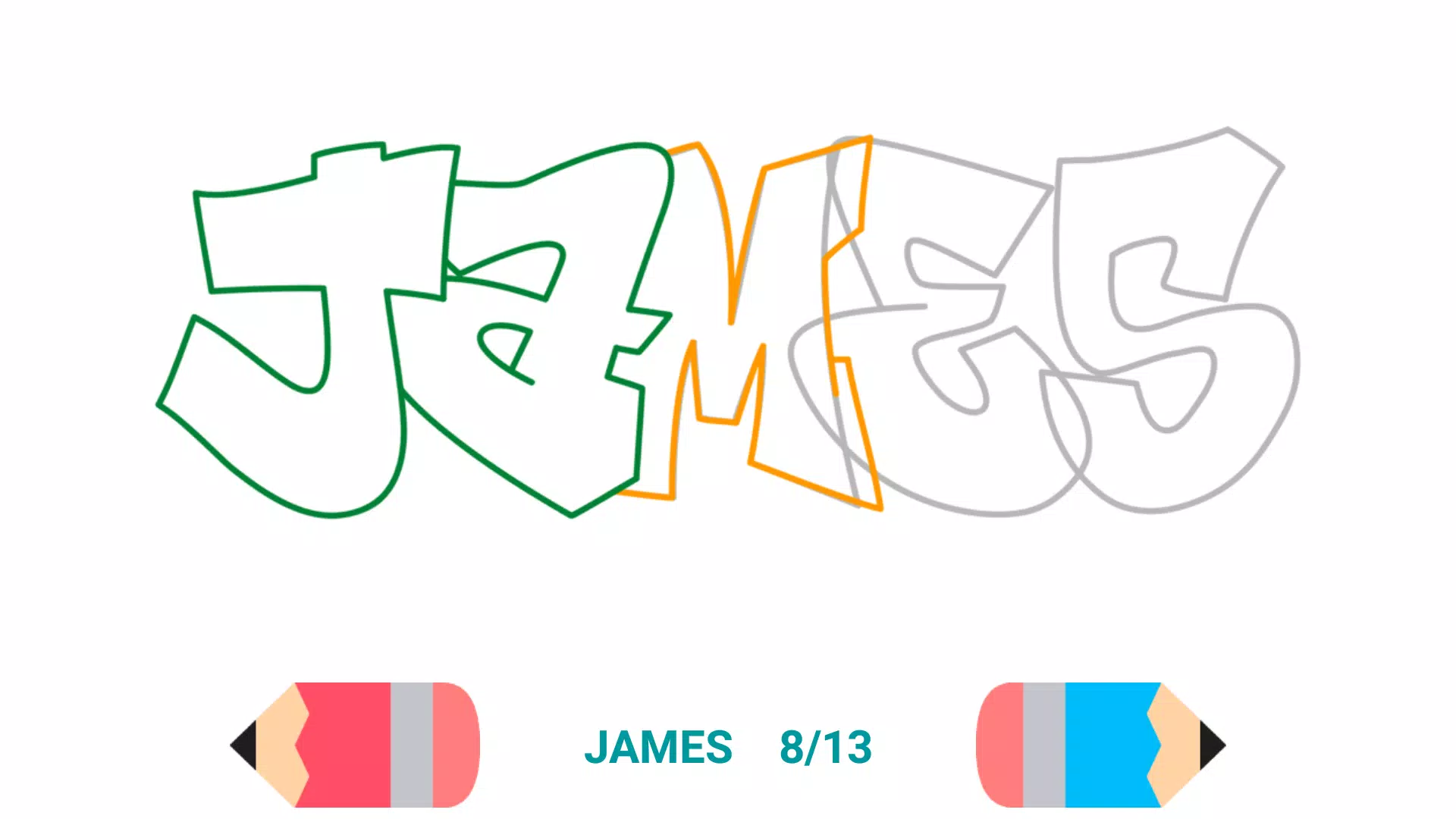
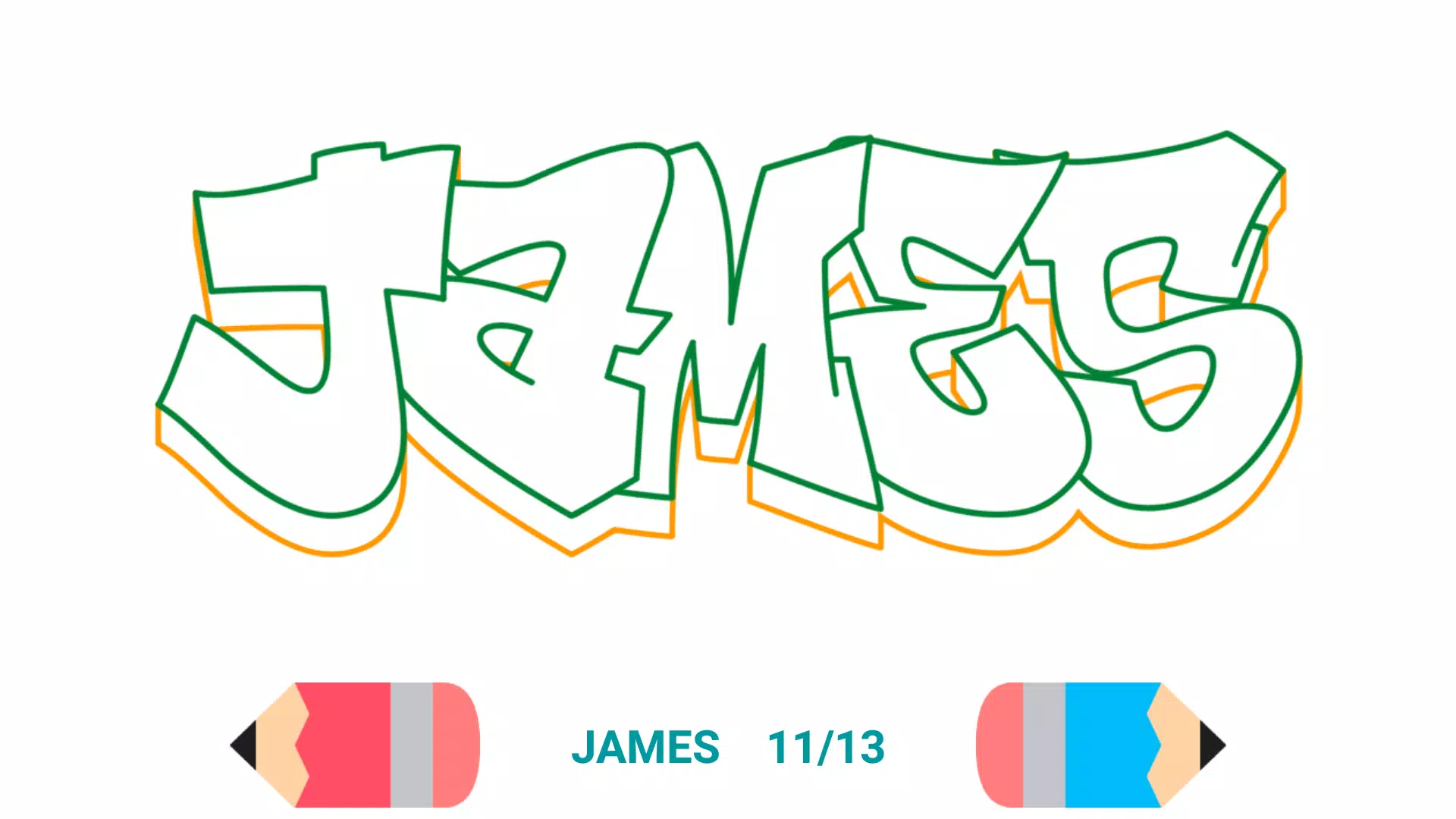
Here’s a simple, step-by-step guide to help you draw your name in graffiti style, inspired by the fun and creative approach of apps like Draw Graffiti Creator (v2.8). Follow these easy instructions to create bold, eye-catching graffiti art — no app needed!
🎨 How to Draw Your Name in Graffiti Style – Step by Step
Materials You’ll Need:
- A blank sheet of paper
- Pencil (for sketching)
- Black marker or fine-tip pen (for outlines)
- Colored markers, highlighters, or spray paint effect (optional)
✏️ Step 1: Choose Your Name
Write your name clearly in block letters at the top of the page. Use a pencil so you can erase and adjust.
🔤 Example: "ALEX"
(Keep it simple — graffiti often uses uppercase letters.)
🎨 Step 2: Pick a Graffiti Style
Choose one of these classic graffiti styles to inspire your design:
- Bubble Letters – Rounded, puffy, and bold (like comic book style).
- Tag Style – Quick, cursive, and messy (like a signature).
- 3D Pop-Out – Letters appear to stick out with shading and highlights.
- Chained Letters – Letters connected like a chain or looped together.
- Spray Paint Effect – Use zigzag lines or dots to mimic paint splatter.
👉 For beginners: Start with Bubble Letters!
🖌️ Step 3: Outline Your Letters (Bubble Style Example)
Step-by-step for "ALEX" (Bubble Style):
-
Draw the basic shape of each letter using light pencil lines (think of them as balloons).
- A: Triangle with a crossbar
- L: Tall vertical line + short horizontal
- E: Vertical line with 3 horizontals
- X: Two diagonal lines crossing
-
Thicken the outer edges — draw a second, slightly larger line around each letter to make them “puff up” like bubbles.
-
Add details:
- Draw a thick black outline around the whole shape.
- Use bold lines on the top and side edges to make them stand out (this simulates light hitting the front of the letter).
- Add shading on the back side (use diagonal lines or darker tones on one side).
🎉 Step 4: Add Graffiti Flair
Now make it look real graffiti:
-
Color It!
Use bright colors like red, blue, yellow, and green. Use darker shades on one side for depth.- Pro tip: Use a highlighter or white gel pen to add "glow" to the top edge (like light reflecting).
-
Add Spray Paint Effects:
- Draw splatters (small zigzag lines) around the letters.
- Add “drips” on the bottom of letters.
- Draw tags or small symbols (like stars, arrows, or flames) nearby.
-
Go Bold:
- Use black marker to trace over pencil lines.
- Make the lines thick and confident — graffiti is all about attitude!
✨ Final Touches
- Add a background: Doodle city blocks, clouds, or a wall texture using hatching lines.
- Sign your name in a small corner with a fake spray tag (e.g., “🔥 ALEX 2K24”).
- Spray paint effect? Use a white highlighter to draw fake "mist" around the edges.
✅ Pro Tips:
- Practice one letter at a time before doing your full name.
- Don’t worry about perfection — graffiti is messy, bold, and full of personality!
- Try different fonts and mix styles for a unique look.
🎉 You’ve just made graffiti art!
Now you can share it on social media, put it on a poster, or even tag your wall (with permission, of course 😉).
💡 Want to go digital?
Try the Draw Graffiti Creator app (v2.8) for interactive tutorials, animated steps, and real spray paint effects — with fun updates and bug fixes to keep your creativity flowing!
Let your name stand out — be bold, be bright, be graffiti. 🎨💥
Let me know your name and I’ll give you a custom graffiti drawing guide!
スクリーンショット
Reviews
Post Comments
最新の記事
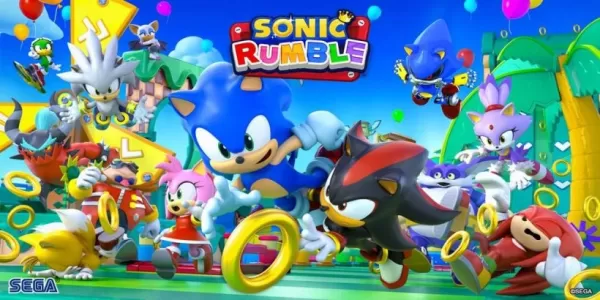
ソニックランブルバトルロワイヤル、来月グローバル配信開始
Sonic Rumbleは、待ち望まれていたバトルロイヤルゲームで、来月発売されます。iOSとAndroid向けに5月8日からダウンロード可能です。プレ登録ボーナスは今だけ限定で入手できます。数年前のセガによるRovio買収以降、「次に何が来るのか」と多くの人が注目していました。それ以来いくつかのモバイルリリースがありましたが、最も注目に値するのはもうすぐやってくる—Sonic Rumbleです。このゲームは象徴的な青色ハリネズミをフィーチャーしたバトルロイヤルで、5月8日に正式に発売されます!
『鬼滅の刃』ヒノカミ年代記2発売日が発表される
Demon Slayer The Hinokami Chronicles 2 は Xbox Game Pass に追加されるか?現在、Demon Slayer The Hinokami Chronicles 2 が Xbox Game Pass に含まれることは未確認です。サブスクリプションサービスへの加入を待ち望むファンたちは今後の発表に注目する必要があります。
リジデンツ・イービルがヘビメタアイドルグループBABYMETALとのコラボを発表
バイオハザードはチャートを制するメタルアイドルグループBABYMETALと提携します。
このコラボレーションには限定販売のグッズなども含まれ、2026年にリリースされます。
今回のパートナーシップは、バイオハザード30周年の記念行事として、今後の『バイオハザード サバイバルユニット』のリリースを含んでいます。 バイオハザードは映画や書籍、ライブステージパフォーマンスなどさまざまな形で展開されてきましたが、音楽分野での存在感はそれほどありませんでした—それが今変わるのです。この評価の高い生存ホラ
The Bazaar Pre-Orders Include Exclusive DLC
Pre-ordering from The Bazaar now grants you access to exclusive in-game DLC content, offering unique rewards and early access to special features. These exclusive items are only available to players who secure their pre-order through The Bazaar, making it the ultimate way to get ahead in the game.
What's included with your pre-order:
Exclusive Character Skin
Limited-Edition Weapon Pack
Early Access to the Game’s Launch Weekend
Digital Artbook & Soundtrack Download
Don’t miss out—secure your copy today and unlock powerful bonuses that enhance your gameplay experience from the start. The Bazaar is your gateway to a more rewarding adventure.
*Available on PlayStation, Xbox, and PC. DLC unlock upon activation.
活気に満ち、賑やかな店舗が並ぶザ・バザールで、頂点に立つために必要なすべてを発見しましょう。予約購入の方法、価格情報、および別バージョンやDLCの入手可否について学びます。← ザ・バザールのメイン記事へ戻るザ・バザール 予約購入 & 事前登録
ザ・バザールは現在、主要なゲームプラットフォームでのウォッチリスト登録や予約購入が利用できず、公式のTempoランチャー経由でのみダウンロード可能です。ゲームリリース時には無料プレイとなりますが、クローズドベータに参加するプレイヤーは、用意されている3種
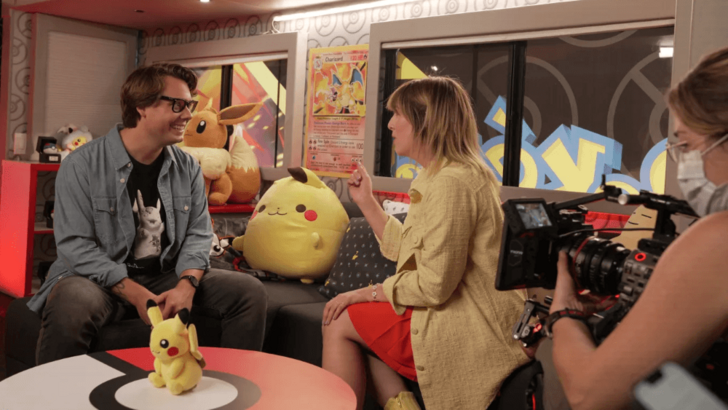
ポケモンリアリティ番組、TCGのアクションに注目
ポケモンは、熱狂的なファンコミュニティを注目させる、刺激的な新作リアリティシリーズをスタート!この革新的な番組のすべての情報を発見し、どこで視聴できるかをチェックしよう。ポケモン:トレーナー・ツアーを今すぐ視聴ポケモンTCGとそのコミュニティを祝うポケモンファンの皆様、忘れられない旅の始まりです!ポケモン会社インターナショナルが新作リアリティ番組『ポケモン:トレーナー・ツアー』を発表。2024年7月31日より、プライムビデオおよびロクチャネルで全世界同時初公開。本シリーズでは、マグネ・カマレナ(
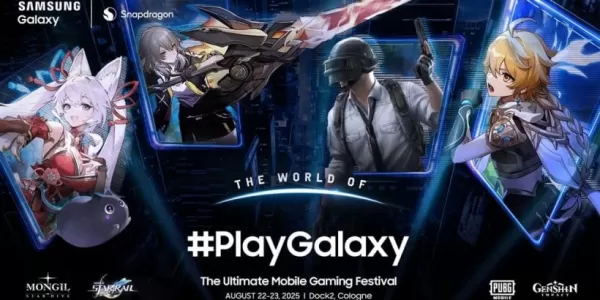
スターダイブがゲームズコム2025で公開へ
モンギル:スターダイブは、ゲームズコン2025で注目の体験型デモステーションを提供します参加者はスマートフォンおよびパソコンプラットフォームの両方でゲームを体験でき、新たに登場する3Dゲームモニターも含まれます隣接するイベントでは、追加の体験機会と限定グッズが提供されます今後のRPG『モンギル:スターダイブ』は裏方で大きな話題を呼びました。私たちは皆、この興味深いタイトルのゲームがどのような魅力を持っているのかを知りたいと考えていました。初めてとなるゲームズコン2025(8月20日〜24日)に訪
Draw Graffiti - Name Creator のようなアプリ
LED Scroller, LED Banner Neon
アートデザイン丨12.9 MB
Emoji Maker.Style
アートデザイン丨36.9 MB
Photo editor & video maker
アートデザイン丨17.9 MB
Names with AI - Designs 2024
アートデザイン丨26.1 MB
Adriana Barbieri
アートデザイン丨13.4 MB
My Sticker
アートデザイン丨40.4 MB
最新のアプリ

Chelly
ビデオプレーヤーとエディター丨103.7 MB
My Tide Times - Tables & Chart
天気丨18.4 MB

Smartcontrol Lucht LHZ
おしゃれな生活丨33.20M
Draw The Flag
アートデザイン丨15.9 MB

Imaginator
アートデザイン丨58.8 MB
AR Art Projector Drawing App
アートデザイン丨23.3 MB






トップニュース
もっと +
01
03-28
2025年のライブスポーツ用のトップストリーミングプラットフォーム
スポーツを見るのは、テレビをオンにしてビッグゲームにチューニングするのと同じくらい簡単だった時代は過ぎ去りました。今日、スポーツストリーミングの風景は、地域の停電、ペイウォール、およびファンが迷子になったと感じることができる排他的な権利の複雑なウェブになりました。多数のストリーミングサービスがFOを争っています
02
12-25
ウィーン オペラの喜び: リバース 1.99 アップデート
Reverse: 1999 バージョン 1.7 アップデート: ウィーンの冒険が待っています!
Bluepoch Games の Reverse: 1999 は、最新アップデートのバージョン 1.7 でプレイヤーを過去への旅に連れて行き、新しい「E Lucevan Le Stelle」イベントでプレイヤーを 20 世紀初頭のウィーンの魅惑的な世界に導きます。このアップデートの削除
03
01-23
「Descenders」コードで 2025 年 1 月のコンテンツをロック解除
Descenders: アクティブ コードを使用したスリル満点のバイク レーシング ゲーム!
Descenders は爽快なバイク レース アクションを提供し、高い評価を誇っています。 さまざまな場所を探索し、大胆なスタントを実行し、さまざまなバイクやギアから選択します。 リアルなバイクの物理学により、トリックに乗って走り出すことができます
04
11-13
黒人の神話:ガイドライン議論の中で悟空のレビューが感動を与える
2020 年の最初の発表から 4 年もの長い期間を経て、Black Myth: Wukong に評決が下されました。このゲームの詳細や他のレビュアーの感想については、続きを読んでください。Black Myth: Wukong Is Near But Only On PC 2020 年の最初のトレーラー以来、Black M
05
02-02
RobloxGraceコマンドガイドがリリースされました
Grace Robloxゲームコマンド:包括的なガイド
グレースは、恐ろしいエンティティと厳しいレベルを特徴とする挑戦的なロブロックス体験です。 特にテスト中にプレイヤーを支援するために、ゲーム内コマンドのセットがテストサーバーで利用できます。このガイドは、すべてのコマンドとその使用について詳しく説明しています。
すべてのGrac